


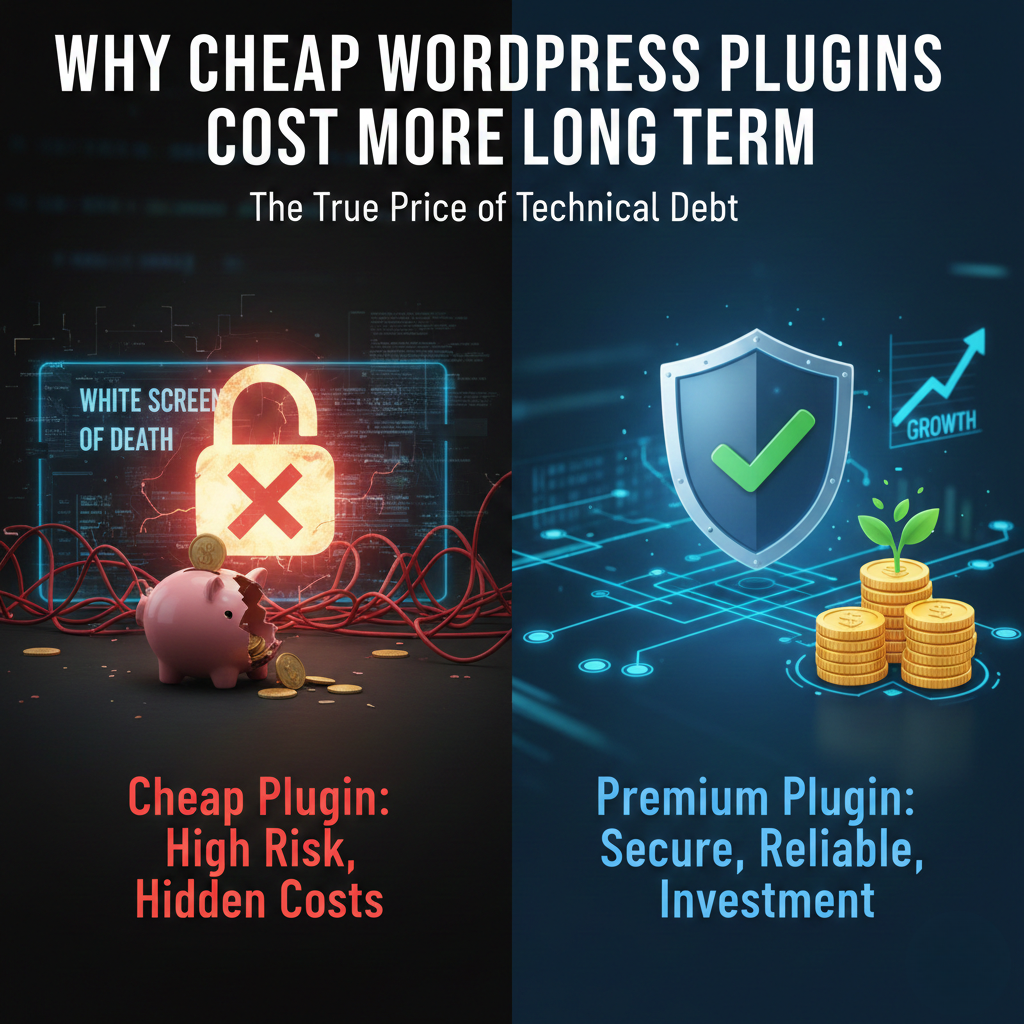
When you are building a WordPress site, the “free” or “cheap” route is incredibly tempting. There is a plugin for everything, and many of them cost less than a lunch special. However, the price you pay at checkout is rarely the total cost of ownership.
In the WordPress world, cheap plugins often act as “technical debt.” You save money today, but you pay it back with interest later through security fixes, lost traffic, and emergency developer fees.
1. The Security “Tax”
The most expensive thing you can do is install a “nulled” (pirated) or poorly maintained cheap plugin. These are the primary entry points for hackers.
- The Hidden Cost: Professional malware removal typically starts at $500 and can climb into the thousands.
- The Risk: If your site is breached, Google may blocklist your domain. Recovering your search rankings after being labeled “deceptive” can take months of expensive SEO work.
2. The Performance Drain
Cheap plugins are often built with inefficient code that runs unnecessary processes every time a page loads.
- The Hidden Cost: For every second your site takes to load, you can lose up to 7% of conversions.
- The Math: If your site generates $2,000 a month, a “cheap” plugin that slows your site down by two seconds could cost you $3,360 in lost sales over a year.
3. The “Abandonware” Trap
A premium plugin fee covers the developer’s time to keep the tool compatible with new versions of WordPress and PHP. Cheap or one-off “lifetime” plugins often lose developer support after a year.
- The Hidden Cost: When WordPress updates and your “abandoned” plugin breaks your site, you’ll face the “White Screen of Death.” * The Fix: Emergency developer rates often range from $100 to $300 per hour. You might spend $600 to fix a site crash caused by a plugin you bought to save $50.
4. The Support Gap
When a high-quality plugin has a bug, you can open a ticket and get a fix. With cheap plugins, you are often your own tech support.
- The Hidden Cost: Your time. If you spend five hours troubleshooting a conflict instead of billable work or growing your business, the “free” plugin just cost you hundreds of dollars in opportunity cost.
How to Evaluate a Plugin’s Real Value
Before you install a budget-friendly option, check these “vitals”:
- Last Updated: If it hasn’t been updated in 6 months, it is a risk.
- Support Forum: Are the developers actually answering questions?
- Active Installs: A high number (10,000+) usually means a more stable codebase.
Summary Table: Cheap vs. Premium
| Feature | Cheap/Nulled Plugin | Premium Plugin |
| Upfront Cost | $0 – $15 | $50 – $200 |
| Security | High risk of backdoors | Regular security patches |
| Support | None (DIY) | Dedicated expert help |
| Updates | Often abandoned | Consistent compatibility |
| Long-term Cost | High (repairs & lost sales) | Low (predictable subscription) |
0 Comments