


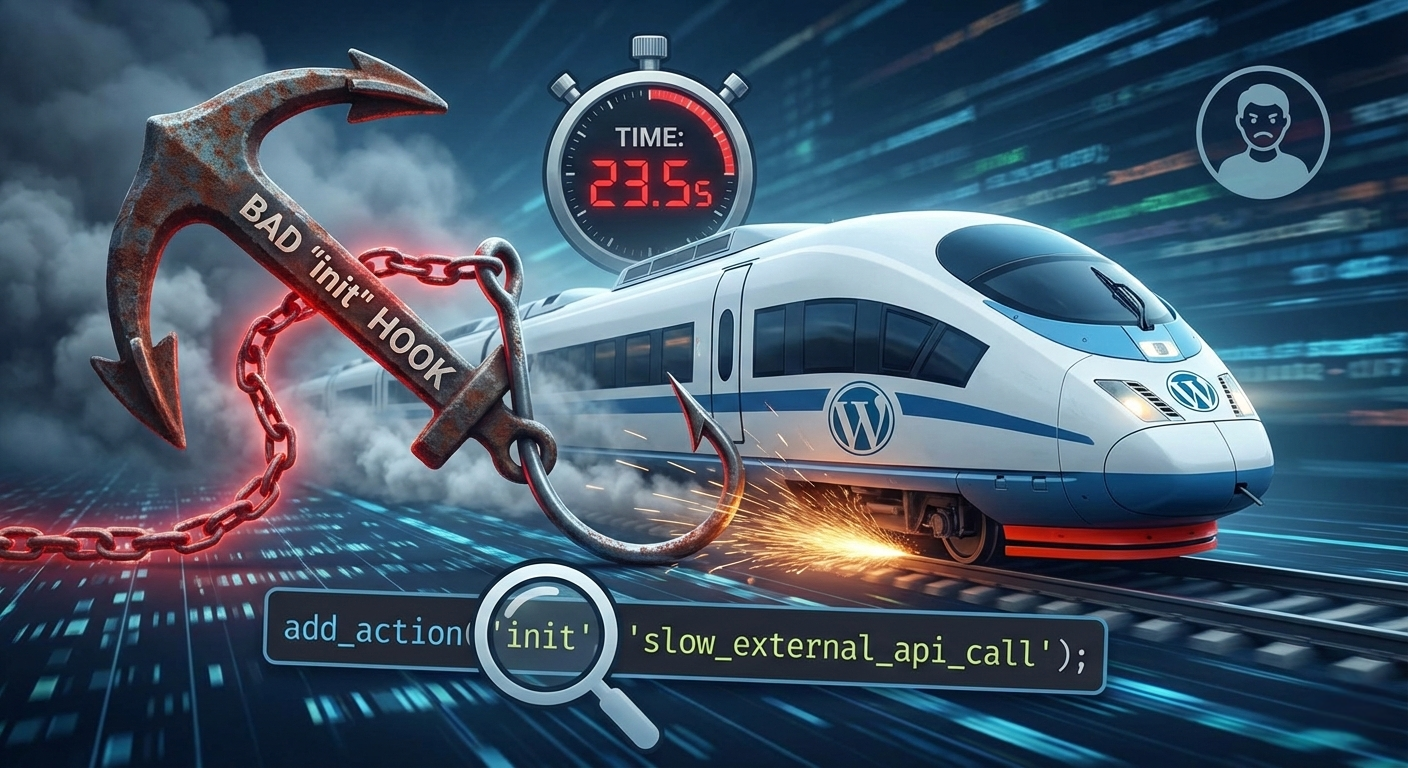
In the world of WordPress performance optimization, we often obsess over the usual suspects: oversized images, cheap hosting, or bloated page builders.
But sometimes, the most devastating performance issues aren’t visible on a waterfall chart. They are buried deep in the PHP code, hiding in plain sight.
I recently audited a client website—a high-traffic membership portal—that had suddenly gone from snappy to sluggish. The server metrics looked fine. CPU usage was low. Memory was abundant. Yet, the Time to First Byte (TTFB) hovered around an agonizing 3.5 seconds.
This is the story of how we traced that massive delay back to a single, misplaced line of code: a “bad hook.”
The Scenario: A Mystery Slowness
The client approached me in a panic. Their membership site was experiencing serious lag. Users were complaining that logging in took forever, and navigating between dashboard pages felt like walking through mud.
Standard speed tests (like GTmetrix or PageSpeed Insights) showed a massive red flag for Time to First Byte (TTFB).
- What is TTFB? It’s the amount of time between a browser requesting a page and receiving the very first byte of data back from the server. A healthy TTFB is under 500ms. This site was clocking in at 3,500ms (3.5 seconds).
This told me the problem wasn’t frontend rendering (CSS/JS/Images); the problem was on the backend. WordPress was struggling to generate the HTML page in the first place.
The Investigation: Hunting the Culprit
We installed Query Monitor, an essential free plugin for debugging WordPress, to see what was happening during that 3.5-second wait.
Query Monitor flagged something interesting immediately. It wasn’t a slow database query. It was an “HTTP API Call” taking an unusually long time.
We dug further using New Relic (an application performance monitoring tool) to see a transaction trace. The trace pin-pointed exactly where the delay was happening in the code execution stack.
The finger pointed squarely at a custom functionality plugin built by a previous developer. Specifically, it pointed to a function attached to the init hook.
The Culprit: The Well-Intentioned API Call
WordPress uses “hooks” (actions and filters) to allow developers to insert custom code at specific points during the page load process.
The init hook is one of the earliest and most common hooks. It runs on almost every single page request—frontend, backend, AJAX calls, everything—before any content is rendered.
Here is simplified pseudo-code of what we found:
PHP:
// The “Bad” Hook
add_action( ‘init’, ‘check_external_license_status’ );
function check_external_license_status() {
// Make a call to a remote server to validate a key
$response = wp_remote_get( ‘https://some-third-party-api.com/validate-license?key=12345’ );
// Process response…
if ( is_wp_error( $response ) ) {
// Handle error
}
}
Why this was catastrophic:
- The Location (init): The developer attached this function to init. This meant that every single time a user clicked a link, viewed a post, or even saved a draft in the admin, this code ran.
- The Action (External API Call): The code was making a wp_remote_get request to a third-party server.
- The Problem (Synchronous PHP): PHP is generally synchronous. It executes code line-by-line. When WordPress hit that wp_remote_get line, it stopped everything and waited for the external server to respond.
- The Reality: That third-party API server was currently experiencing heavy loads. It was taking an average of 2.8 to 3 seconds just to respond with a simple “Yes, license valid.”
Every visitor to the site was being forced to wait for an unrelated, slow server in another part of the world before their browser even began to load the website.
The Solution: Caching and Repositioning
The fix was relatively simple. We needed to ensure that this slow external check didn’t happen on every single page load.
We used WordPress Transients. Transients allow you to store data in the database temporarily with an expiration time.
The strategy: Instead of asking the external API on every visit, we would ask it once, save the answer for 12 hours, and serve that saved answer instantly to everyone else.
Here is the concept of the fixed code:
PHP:
// The “Better” Approach
// We can likely move this to a later hook, or keep it on init IF cached properly.
add_action( ‘init’, ‘check_external_license_status_cached’ );
function check_external_license_status_cached() {
// 1. Check if we already have the status saved in a transient
$cached_status = get_transient( ‘my_license_status_check’ );
// If we have cached data, do nothing and exit early. Instant.
if ( false !== $cached_status ) {
return;
}
// 2. If no cache exists, ONLY THEN make the slow external call
$response = wp_remote_get( ‘https://some-third-party-api.com/validate-license?key=12345’ );
if ( ! is_wp_error( $response ) ) {
// 3. Save the result in a transient for 12 hours (12 * HOUR_IN_SECONDS)
set_transient( ‘my_license_status_check’, $response[‘body’], 12 * HOUR_IN_SECONDS );
}
}
(Note: For even better performance, we could have moved this check entirely out of the frontend load process and into a scheduled background Cron job, but the transient fix was immediate and sufficient.)
The Result: Instant Relief
As soon as we deployed the fix, the results were dramatic.
- Before Fix TTFB: ~3.5 seconds
- After Fix TTFB: ~0.4 seconds
The slow API call still happens, but only once every 12 hours for the very unlucky first person to visit after the cache expires. Every other thousands of requests served that day were instant.
The Lesson for Site Owners and Developers
This case study highlights a critical rule in WordPress development: Respect the hooks.
When you add code to global hooks like init, plugins_loaded, or wp_head, you are adding weight to the entire application.
If you must perform heavy operations (like external API calls, complex file scanning, or massive database queries):
- Never run them on every page load.
- Always cache the results using Transients or Object Caching.
- Consider moving them to background processes (WP Cron) or only running them on specific admin pages where the delay is acceptable.
Performance isn’t just about server horsepower; it’s about intelligent code placement.
0 Comments